Case Conversion Bugs: Keep Names and Slugs Consistent
A practical checklist for converting case styles, naming API fields, and generating clean slugs without breaking links or code.
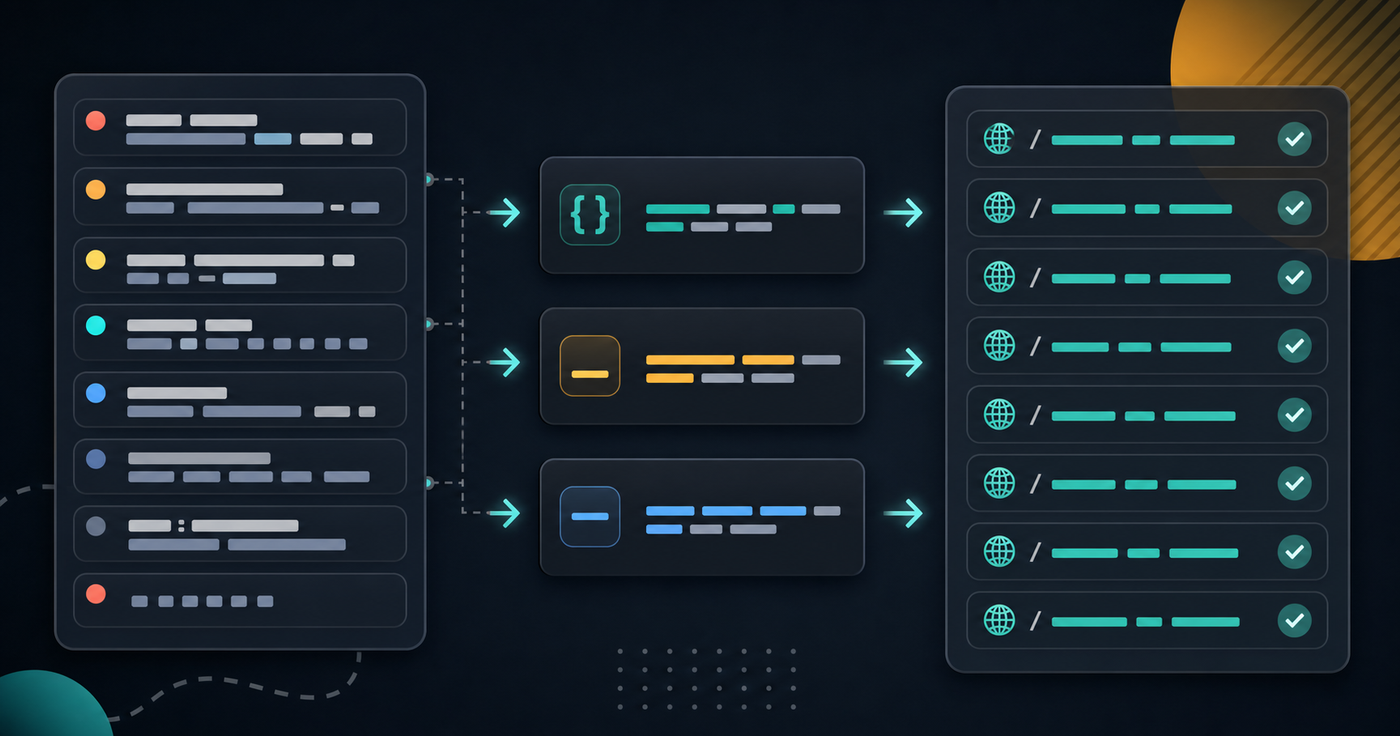
Naming problems rarely look dangerous at first. A title becomes a slug, a form label becomes an API field, a CSV header becomes a JSON key, and a few weeks later the same concept has five spellings across the product.
The bug is not only cosmetic. Inconsistent case conversion can break filters, analytics events, imports, redirects, and permission checks. The fix is to treat names as part of the interface, not as throwaway text.
Start With the Boundary
Before converting anything, name the boundary where the string will live. A value that looks fine in a UI label may be wrong for a database column or URL path.
- Human-facing labels should optimize for clarity:
Customer ID,Billing address,Last login. - Programmatic identifiers should optimize for predictability:
customerId,billing_address,last_login_at. - URL slugs should optimize for readability, durability, and safe linking:
customer-import-guide.
When the same raw phrase crosses more than one boundary, convert it deliberately instead of passing the original string through every layer.
Pick One Case Style Per Surface
Most naming bugs come from mixing conventions inside one surface. If an API accepts both user_id and userId, clients will eventually send the wrong one. If event names mix dashes, spaces, and underscores, analytics queries become cleanup projects.
- Use
camelCasefor JavaScript object keys and many JSON APIs when that is the established local style. - Use
snake_casefor SQL columns, warehouse fields, and APIs that already speak snake case. - Use
kebab-casefor URL slugs, route names, file-like handles, and SEO-friendly paths. - Use
PascalCasefor component names, classes, and type names where your language expects it.
Use the Case Converter to test conversions before you paste a batch of names into code, docs, seed data, or migrations.
Slug Rules Need Extra Discipline
Slugs have a longer memory than variable names. Once a URL is indexed, shared, or stored in another system, changing it creates redirect work. A good slug policy prevents avoidable churn.
- Lowercase everything before publishing.
- Prefer hyphens between words.
- Remove punctuation that does not change meaning.
- Collapse repeated separators into one hyphen.
- Trim leading and trailing separators.
- Keep dates, IDs, and version numbers only when they help users choose the right page.
For content and tool pages, run candidate titles through the Slug Generator before publication. It is cheaper to settle the slug before launch than to maintain redirects after launch.
Watch for Acronyms and Initialisms
Acronyms are where automated conversion gets awkward. The same team might write APIKey, apiKey, api_key, and api-key. None of those is universally wrong, but mixing them in the same API is a maintenance tax.
- Document how your project handles acronyms.
- Normalize known acronyms before converting case.
- Add tests for public field names that include terms like API, URL, ID, UUID, CSV, HTML, JWT, and SQL.
- Avoid clever casing in slugs; users scan words, not internal naming rules.
When you need to validate naming patterns at scale, a simple expression in the Regex Tester can flag names that do not match your chosen convention.
Do Not Convert User Data Blindly
Generated identifiers are useful, but user-entered names can contain meaningful punctuation, casing, accents, and spacing. Do not mutate the original value unless the field is explicitly an identifier.
- Store the original label separately from the generated slug or key.
- Show users the generated slug before publishing when it affects a public URL.
- Never use case conversion as a substitute for validation.
- Preserve display names even when you normalize internal keys.
The safest model is two fields: one source field for humans and one generated field for machines. The generated field can be locked, reviewed, or regenerated without losing the original wording.
Build a Naming Checklist
Before merging a change that introduces new keys, slugs, headers, or events, run a short naming pass.
- Does this name match the local convention for this surface?
- Will changing it later require redirects, migrations, or client updates?
- Is the acronym handling consistent with nearby fields?
- Can a teammate infer the meaning without reading implementation code?
- Will the same name survive export to CSV, JSON, URLs, analytics, and logs?
For longer batches of proposed names, use the Word Counter to spot repeated terms, unusually long labels, and accidental duplicates before they spread.
A Practical Workflow
When you need a new public name, write the human label first. Convert it to the right identifier style for code. Generate the slug separately. Validate the pattern. Then paste the final values into code, CMS fields, migrations, or docs.
That extra minute keeps naming decisions visible. More importantly, it stops small inconsistencies from becoming permanent API and URL contracts.
Related Posts

Generate Locally: Passwords, UUIDs, Hashes, and HMACs Without Leaking Data
A practical checklist for using password, UUID, hash, and HMAC generators safely without pasting sensitive data into the wrong place.

Query Strings Break APIs: How to Debug URL Parameters
Learn how to debug URL query parameters in APIs: parse values, catch encoding bugs, inspect duplicated keys, and reproduce requests cleanly.

Regex Bugs Are Quiet: A Practical Checklist for Safer Patterns
A practical regex testing checklist for developers: define examples, avoid overmatching, handle boundaries, and test patterns before shipping.