Cron Jobs Without Surprises: A Developer Checklist
A practical cron job checklist for developers: verify schedules, time zones, retries, locking, idempotency, and monitoring before deploying scheduled tasks.
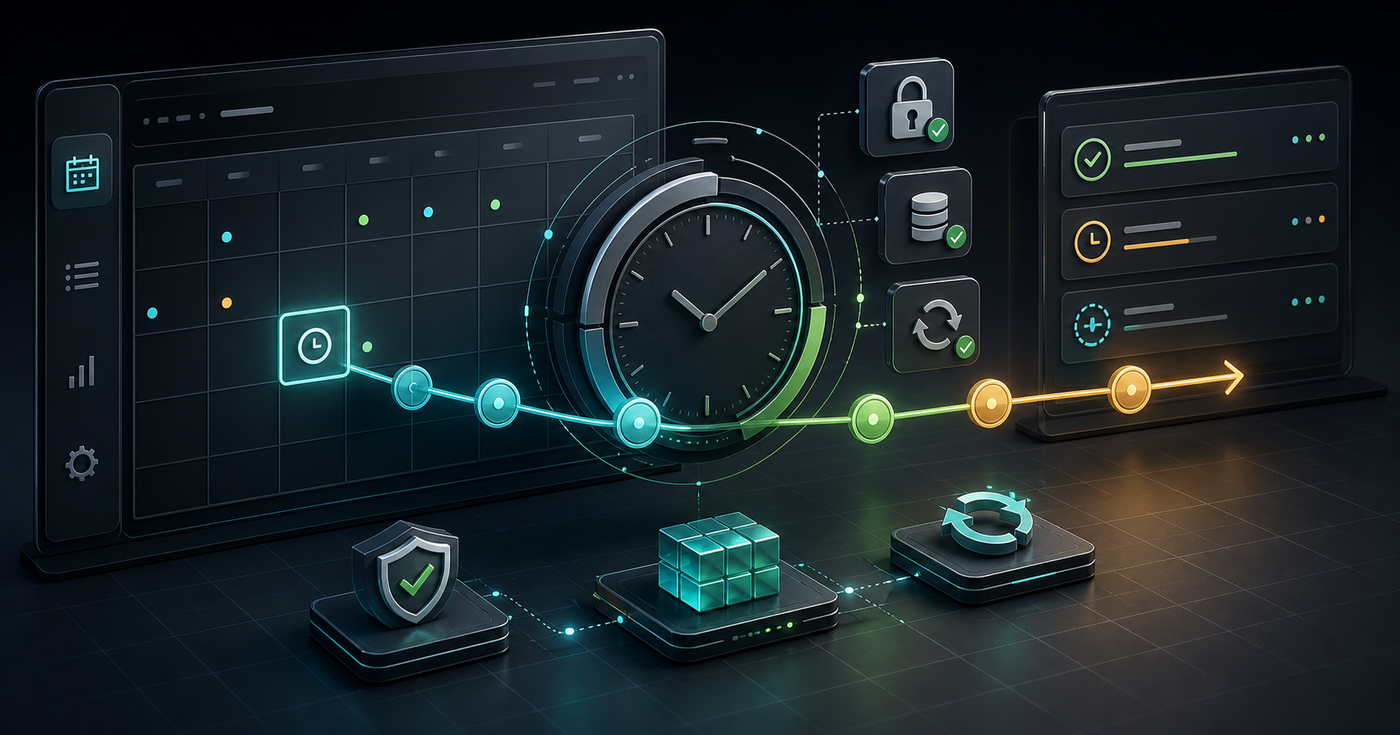
Cron jobs are easy to create and easy to forget. That is exactly why they cause subtle production problems. A job runs twice, never runs, runs in the wrong timezone, or retries a task that was not safe to repeat.
Before you deploy a scheduled task, treat the schedule as production logic. It deserves the same level of review as an API endpoint or database migration.
Start With the Plain English Schedule
Every cron expression should have a plain English version beside it. If nobody can explain when the job runs, the expression is not ready.
0 9 * * 1-5That expression might mean "run at 09:00 on weekdays" in one environment, but the actual timezone depends on where and how the scheduler runs.
The Cron Checklist
1. Confirm the Timezone
Timezone assumptions create missed jobs and duplicate work. Decide whether the job runs in UTC, server local time, or a business timezone. Write that down near the schedule.
- What timezone does the scheduler use?
- Does daylight saving time matter?
- Does the business rule expect local time or UTC?
- Will the job behave correctly across regions?
2. Preview the Next Runs
Do not read a cron expression once and trust it. Preview the next several run times. Use the Cron Helper at /tools/cron-helper/ or Cron Visual Builder at /tools/cron-visual-builder/ to verify the actual schedule.
- Next run
- Next five runs
- Weekend behavior
- Month-end behavior
- Expected skipped dates
3. Make the Job Idempotent
A scheduled job should be safe to retry. If running it twice creates duplicate invoices, duplicate emails, or corrupted state, the job needs a stronger guard.
- Use unique keys for generated work.
- Track processed records.
- Check whether the target state already exists.
- Avoid assuming a retry means a brand new task.
4. Add Locking for Long Jobs
If a job can run longer than the schedule interval, add locking. Without a lock, the next run can start while the previous one is still working.
if (await lock.exists("daily-report")) return
await lock.acquire("daily-report")
try {
  await runDailyReport()
} finally {
  await lock.release("daily-report")
}
5. Plan Failure Behavior
A cron job needs a failure policy. Some jobs should retry. Some should fail loudly. Some should skip and let the next run catch up.
- How many retries are allowed?
- What errors are retryable?
- Who gets alerted?
- Where are logs stored?
- Can the job be replayed manually?
Final Review Before Deploying
- Plain English schedule is documented.
- Timezone is explicit.
- Next run times are verified.
- Job is idempotent.
- Long runs are locked.
- Failures are logged and visible.
- Manual replay is understood.
Cron jobs are reliable when they are boring. Verify the schedule, make repeat runs safe, and give yourself enough observability to know what happened.
Related Posts
Color Palettes: Check Contrast Before the UI Ships
Build palettes that hold up in real interfaces by checking contrast, states, tokens, and light/dark backgrounds before CSS changes ship.

UUIDs: Pick Identifiers That Survive Real Systems
Use UUIDs deliberately: choose the right identifier shape, keep IDs opaque, avoid collisions, and test how values move through APIs and databases.
Password Generators: Create Strong Secrets Without Leaks
Generate passwords safely by choosing length, randomness, and storage habits before a secret ever leaves your browser.