SQL Formatting: Debug Queries Before They Bite
A practical checklist for formatting SQL so joins, filters, grouping, ordering, and limits are easier to debug before a query reaches production.
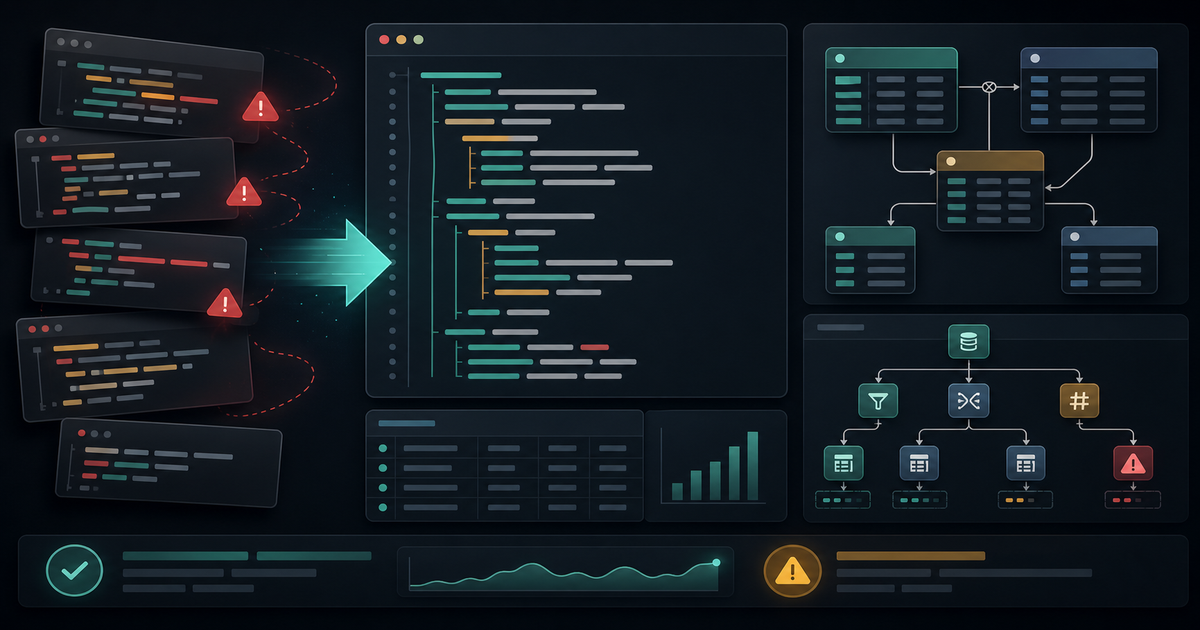
SQL bugs often hide in plain sight. A query can be valid, fast on one dataset, and still wrong because a join multiplied rows, a filter landed in the wrong place, or a grouped column changed the meaning of the result.
Formatting will not make a bad query correct, but it makes the query easier to inspect. That matters when you are debugging a report, reviewing a pull request, or trying to understand why production returned too many rows.
Format for Reading Order
Start by formatting the query in the same order you would explain it to another developer. Put each major clause on its own line and give nested expressions room to breathe.
SELECT
  user_id,
  COUNT(*) AS event_count
FROM events
WHERE created_at >= ?
GROUP BY user_id
ORDER BY event_count DESC
LIMIT 50
The goal is not beauty. The goal is to make the query inspectable enough that the dangerous parts are hard to miss.
The SQL Formatting Checklist
1. Put Every Join on Its Own Line
Joins are where many query bugs begin. A missing predicate, wrong key, or accidental many-to-many relationship can change the entire result.
Keep the join type visible and align the condition under it.
FROM orders o
LEFT JOIN customers c
  ON c.id = o.customer_id
LEFT JOIN refunds r
  ON r.order_id = o.id
When the join is formatted this way, it is easier to ask the right questions: should this be an inner join, can this join duplicate rows, and does the condition use the correct key?
2. Separate Filters From Join Conditions
Filters inside WHERE and conditions inside ON do different jobs, especially with outer joins. Mixing them casually can turn a left join into behavior that looks like an inner join.
If a condition describes how two tables connect, keep it in ON. If it describes which final rows should remain, keep it in WHERE.
3. Group Related Conditions
Long WHERE clauses become safer when related predicates are grouped and indented.
WHERE
  account_id = ?
  AND status IN (?, ?)
  AND (
    created_at >= ?
    OR updated_at >= ?
  )
This is especially important when mixing AND and OR. If you cannot see the grouping at a glance, it is too easy to ship the wrong logic.
4. Name Derived Columns Clearly
Computed expressions should have clear aliases. That helps reviewers understand what the query returns and helps application code avoid relying on database-specific generated names.
Bad aliases create downstream confusion. A name like total may be unclear if the query has revenue, counts, discounts, and refunds. Prefer names that describe the business meaning.
5. Keep Limits and Ordering Together
A LIMIT without a deterministic ORDER BY is usually a bug waiting to happen. It may work locally and change later when indexes, query plans, or data volume shift.
When formatting review queries, always scan the bottom of the query for ordering and pagination behavior. If the result is user-facing, it should be stable.
6. Read the Query With Sample Rows
After formatting, walk through the query using two or three representative rows. Include one normal row, one missing relationship, and one duplicate-prone case.
That small exercise catches problems formatting alone cannot catch:
- Joins that multiply rows
- Filters that remove expected nulls
- Aggregates that count the wrong table
- Date filters that exclude boundary values
- Sorting that is not deterministic
Use a SQL Formatter Before Review
Use the SQL Formatter at /tools/sql-formatter/ before asking someone else to review a query. A clean query is easier to reason about, easier to diff, and easier to test.
SQL formatting is not a style preference. It is a debugging tool. The easier a query is to scan, the easier it is to find the join, filter, grouping, or ordering mistake before it reaches production.
Related Posts
Color Palettes: Check Contrast Before the UI Ships
Build palettes that hold up in real interfaces by checking contrast, states, tokens, and light/dark backgrounds before CSS changes ship.

UUIDs: Pick Identifiers That Survive Real Systems
Use UUIDs deliberately: choose the right identifier shape, keep IDs opaque, avoid collisions, and test how values move through APIs and databases.

Password Generators: Create Strong Secrets Without Leaks
Generate passwords safely by choosing length, randomness, and storage habits before a secret ever leaves your browser.